



1000+ Free Twitch Emotes
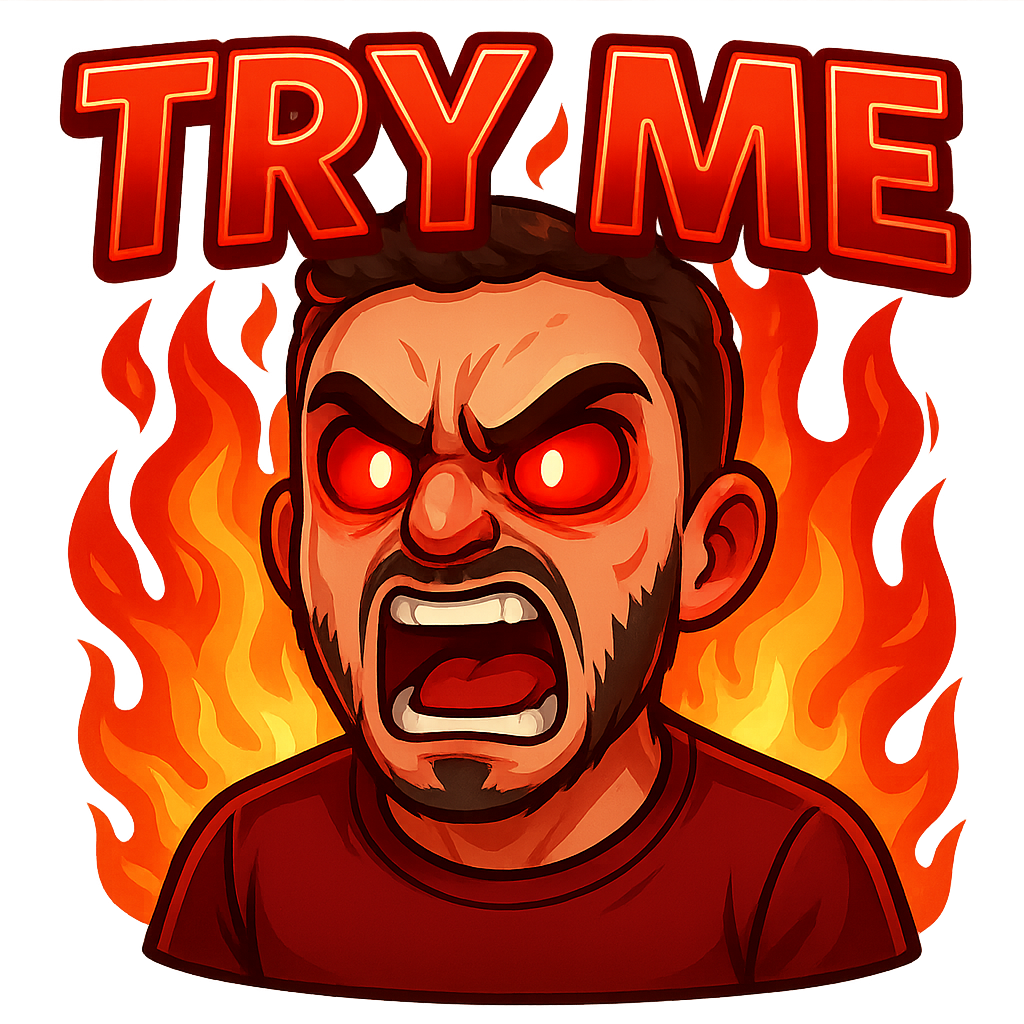
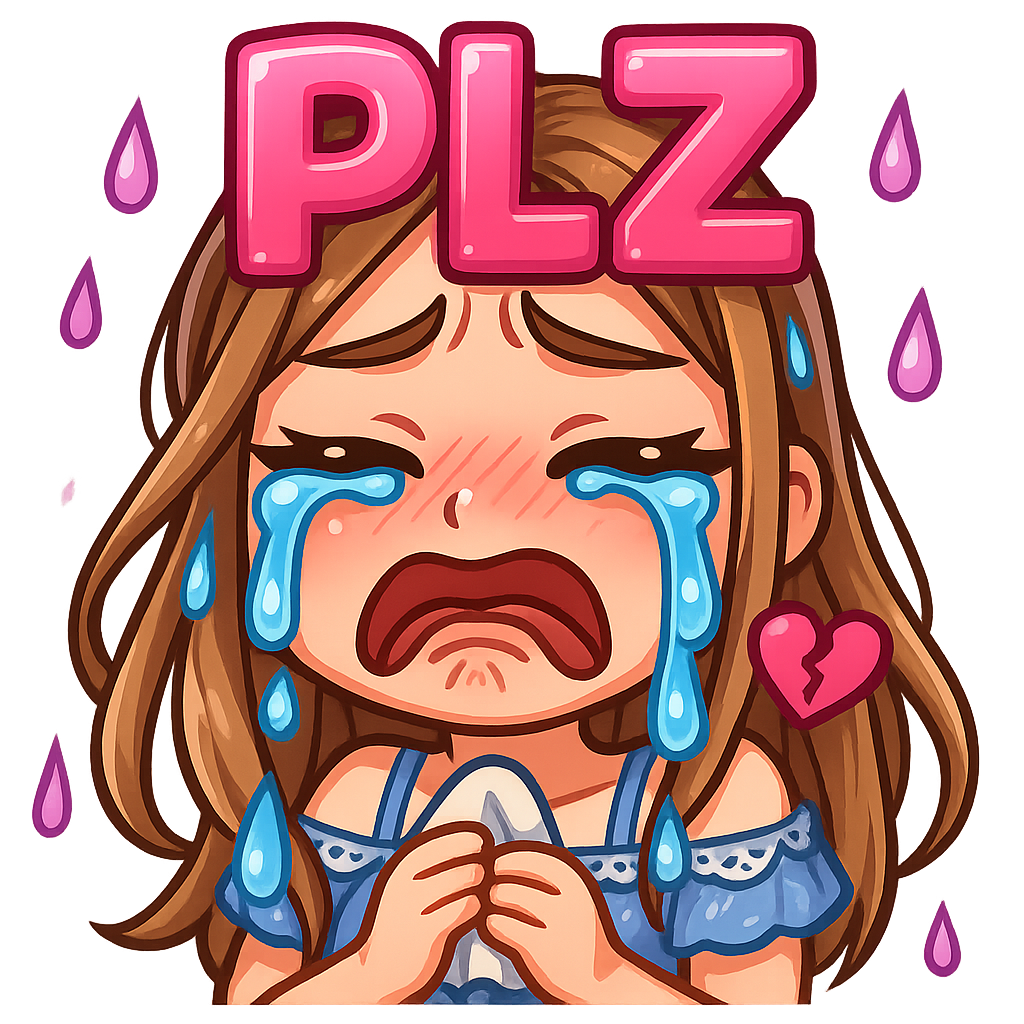
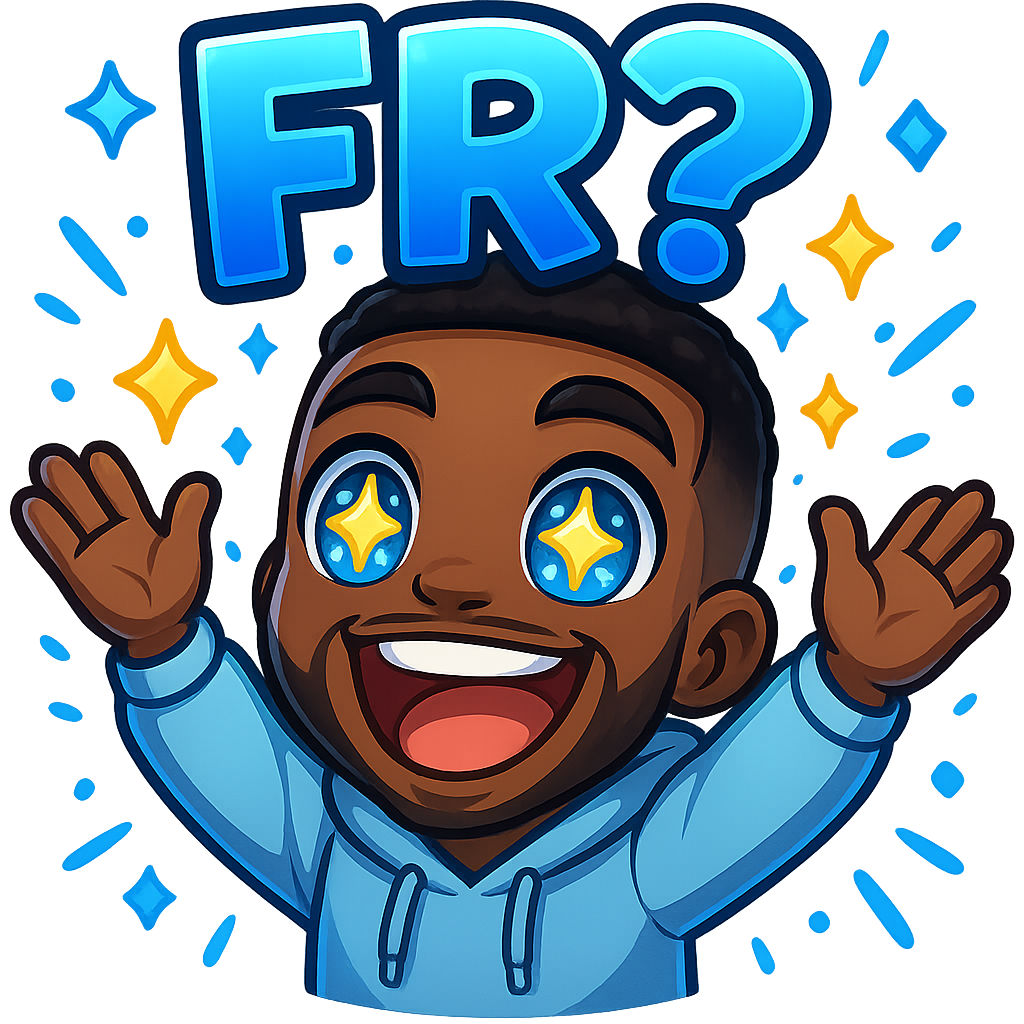
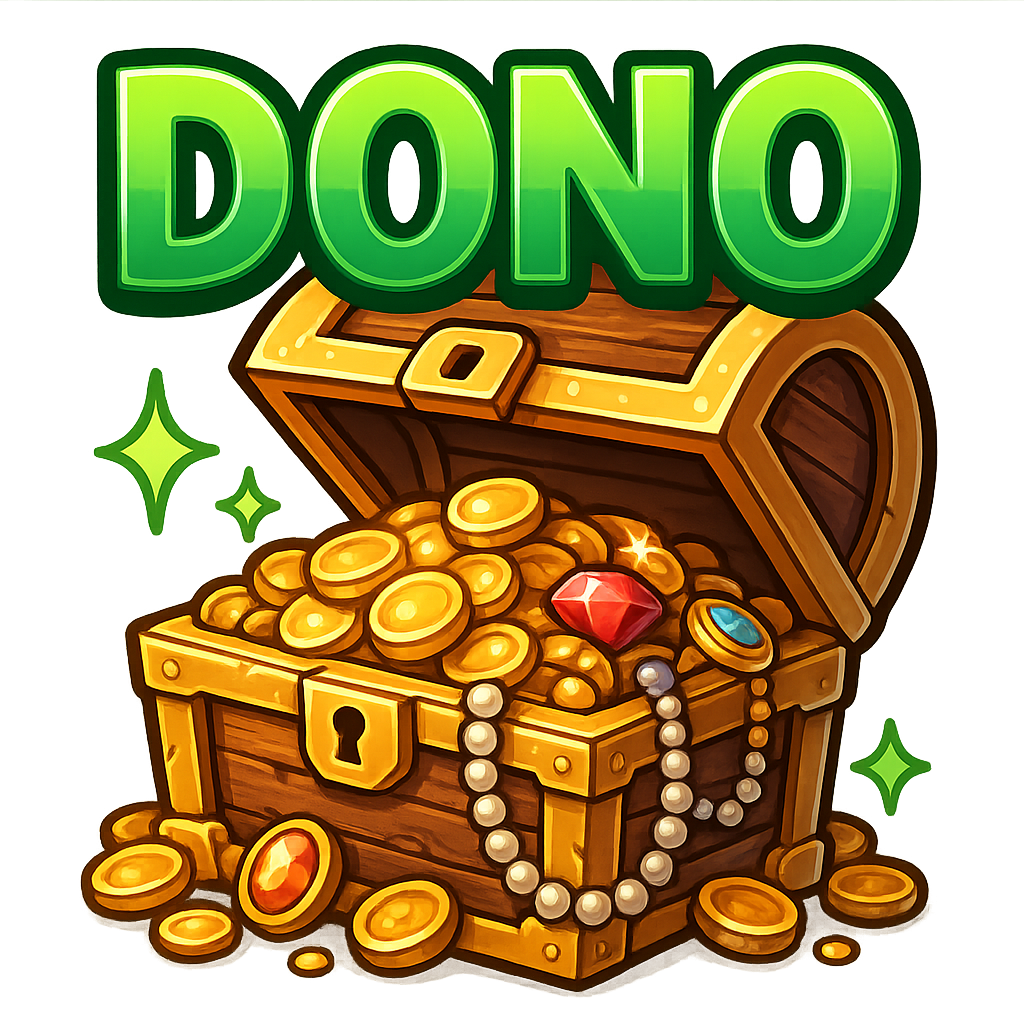
Browse and download free emotes for your Twitch channel. All emotes are community-made using the Twitchemote maker, ready to upload, and meet Twitch's requirements.
Browse Free Twitch Emotes
Scroll through our collection of free custom emotes. Hover to download or create a similar design with our emote maker.


Loading more emotes...
You've reached the end of the gallery!
About Our Emote Collection
Every emote in this gallery was created by streamers and creators using the Twitchemote emote maker. They chose to share their designs publicly so other creators can use them.
What You Can Do
- Download any emote for free
- Use them on Twitch (with Affiliate/Partner status)
- Add them via BTTV or FrankerFaceZ
- Edit and customize before uploading
- Use on Discord, YouTube, Kick, or other platforms
All emotes meet Twitch's technical requirements (PNG format, transparent backgrounds, correct sizes). They're ready to upload as-is, or you can customize them to match your channel's brand.
Want to contribute?
When you create emotes with Twitchemote, you can choose to share them publicly. Your designs could help thousands of streamers build their communities.
How to Download Free Emotes for Twitch
Four simple steps to get free custom emotes on your channel
Browse and Find Your Emote
Scroll through the gallery above or use the search and category filters to find emotes that match your channel's vibe. Hover over any emote to see download and preview options.
Download the Emote
Click the download button. The emote downloads as a PNG file with a transparent background, already sized correctly for Twitch (112×112px). No editing required unless you want to customize it.
Upload to Twitch (or BTTV/FFZ)
If you have Affiliate or Partner status:
Go to your Twitch Creator Dashboard → Viewer Rewards → Emotes → Upload Emotes. Twitch will automatically generate the required sizes (28×28, 56×56, 112×112).
If you don't have Affiliate/Partner:
Upload your emote to BetterTTV or FrankerFaceZ instead. Viewers with those browser extensions can use your emotes.
Test in Chat
Once uploaded, type your emote code in chat to make sure it appears correctly. Check that it's readable at all sizes (especially 28×28 on mobile).
Twitch Sub Emote Requirements
Make sure your emotes meet Twitch's technical specs before uploading
Technical Specs
- File Format: PNG for static emotes, GIF for animated
- Sizes Required: 28×28px, 56×56px, and 112×112px
- File Size: Under 25KB for static, 1MB for animated
- Background: Transparent (no solid backgrounds)
- Animated Emotes: Max 60 frames, smooth looping
Content Rules
- No copyrighted or trademarked content
- No sexual, violent, or hateful imagery
- Don't modify existing Twitch global emotes (except Kappa, VoHiYo)
- Keep designs readable at 28×28px
- Use high contrast colors for visibility
Pro Tip: All emotes in this gallery already meet these requirements. Download and use them as-is, or customize them while keeping these specs in mind.
Need the full technical guide? Check out our complete Twitch emote sizes and requirements page.
Popular Emote Styles: Cute, Anime, and Custom
From cute anime Twitch emotes to custom character designs—find emote styles that match your channel
Character Emotes (Chibi, Cartoon, Anime)
Cute, expressive characters showing different emotions and reactions. These are the most versatile emotes because they work for almost any situation in chat—hype, sadness, confusion, celebration. Think big eyes, exaggerated facial features, and bold outlines that stay readable even at tiny sizes.
Best for:
- Gaming channels that want emotes for every reaction
- Streamers building a mascot or character brand
- Communities that love variety and personality
Animals (Cats, Frogs, Dogs, Spirit Animals)
From classic Pepe variants to cozy cat emotes and loyal dog reactions, animal emotes tap into instant recognition and emotional connection. They work especially well when the animal matches your channel's vibe—cats for chill streams, frogs for meme energy, dogs for wholesome communities.
Best for:
- Chill, cozy, or wholesome community vibes
- Channels that lean into meme culture (Pepe, doge, etc.)
- Streamers who want instantly relatable reactions
Text Emotes
Simple, bold text that communicates a clear message: GG, POG, W, L, HYPE. These emotes cut straight to the point with no ambiguity. They're especially popular in competitive gaming streams where chat moves fast and needs instant, readable reactions. Keep text to 1-3 characters max for readability.
Best for:
- Fast-paced competitive gaming streams
- Channels with high chat velocity (esports, speedruns)
- Streamers who want zero-ambiguity emote meanings
Objects (Icons, Items, Symbols)
Recognizable objects that represent actions or emotions: controllers for gaming moments, coffee cups for "just woke up" energy, hearts for love, fire for hype. These work best when the object has strong cultural or contextual meaning in your community. They're visual shorthand for specific situations.
Best for:
- Niche communities with inside jokes or shared rituals
- Streamers building a unique emote vocabulary
- Channels where specific items have special meaning
Objects + Text Combo
The best of both worlds: a simple icon paired with 1-2 letters or a short word. Examples: a flame with "LIT", a trophy with "W", a skull with "RIP". These emotes combine visual impact with clear meaning. They're harder to design well (text must stay readable at 28px), but when done right, they're incredibly effective.
Best for:
- Channels that want maximum clarity and impact
- Communities mixing gaming slang with visual flair
- Streamers who want emotes that feel "complete"
How to Pick the Right Style for Your Channel
Match your brand: If your channel is chill and cozy, lean into animal and character emotes. If it's competitive and high-energy, prioritize text and combo emotes.
Consider chat speed: Fast-moving chats benefit from text-heavy emotes with instant meaning. Slower, more engaged communities can use complex character emotes with nuanced expressions.
Balance variety: Don't pick just one type. Most successful channels have a mix—characters for emotions, objects for situations, text for quick reactions.
Test readability: Download an emote and shrink it to 28×28px. If you can't tell what it is, skip it. Clarity beats complexity every time.
Do Streamers Need Custom Emotes?
When custom emotes actually help grow your channel
When Emotes Actually Matter
Emotes become important when you're building a community, not just streaming to randoms.
Emote Usage Rights
How to use emotes for Twitch, BTTV, and FFZ safely and responsibly
Disclaimer: This is not legal advice. These are practical guidelines based on Twitch's policies and general copyright principles. When in doubt, consult a legal professional or create your own emotes.
Using Emotes from This Gallery
Emotes in this gallery are shared publicly by their creators. By making them public, creators are allowing others to download and use them. However, keep these principles in mind:
You can:
Download, use on your channel, edit for customization, and use across multiple platforms (Twitch, Discord, YouTube, etc.)
Don't:
Claim you created the emote, sell emotes you didn't create, or remove watermarks/credits if present
Think of these emotes like stock images with a creative commons vibe—free to use, but respect the creator's work.
Twitch's Content Guidelines for Emotes
Twitch reviews all uploaded emotes against their community guidelines. Your emote will be rejected (or removed) if it contains:
Prohibited Content
- Sexual or suggestive imagery
- Violence, gore, or graphic content
- Hateful symbols or slurs
- Drug references or paraphernalia
- Harassment or targeted attacks
Copyright Issues
- Copyrighted characters (Disney, Nintendo, etc.)
- Trademarked logos or brands
- Modified versions of others' art without permission
- Celebrity faces or likenesses (risky territory)
- Editing existing Twitch global emotes (except Kappa/VoHiYo)
Gray areas: Parody emotes, meme references, and "inspired by" designs exist in a legal gray zone. Twitch might approve them, or might not. Safer bet? Create original designs or use generic concepts.
Copyright & DMCA Reality Check
Here's the practical reality: thousands of emotes use copyrighted references, and most never get taken down. But that doesn't mean it's safe or legal. Here's how to think about risk:
If you're worried about copyright, stick to emotes from this gallery or create 100% original designs using Twitchemote.
Best Practices for Safe Emote Usage
- 1. Prioritize original designs or emotes from this public gallery over random Google Images downloads
- 2. If an emote looks like it might be copyrighted, it probably is—find an alternative or create a similar concept from scratch
- 3. Read Twitch's emote guidelines before uploading (they update occasionally)
- 4. If you receive a DMCA notice or Twitch rejection, remove the emote immediately and replace it
- 5. When in doubt, create your own—it's easier than dealing with copyright issues later
Twitch Emotes FAQ
Common questions about downloading and using free emotes on Twitch
Are these free Twitch emotes really free to download?
Do I need Twitch Affiliate or Partner to use these free emotes?
What file format and sizes do I need for Twitch sub emotes?
Can I edit these free emotes before uploading them?
Where can I find cute anime Twitch emotes for free?
Can I use these emotes on Discord, YouTube, and Kick?
What's the difference between Twitch emotes and BTTV/FFZ emotes?
How do I get free custom emotes for my Twitch channel?
What if the emote I download doesn't work on Twitch?
How many free Twitch emote slots do I get?
Are there free animated emotes for Twitch?
How often are new free emotes added to the gallery?
Can I upload my own emote to this free gallery?
Are these free Twitch emotes safe to use commercially?

Ready To Create Your Emotes?
Start making custom emotes for your channel today.